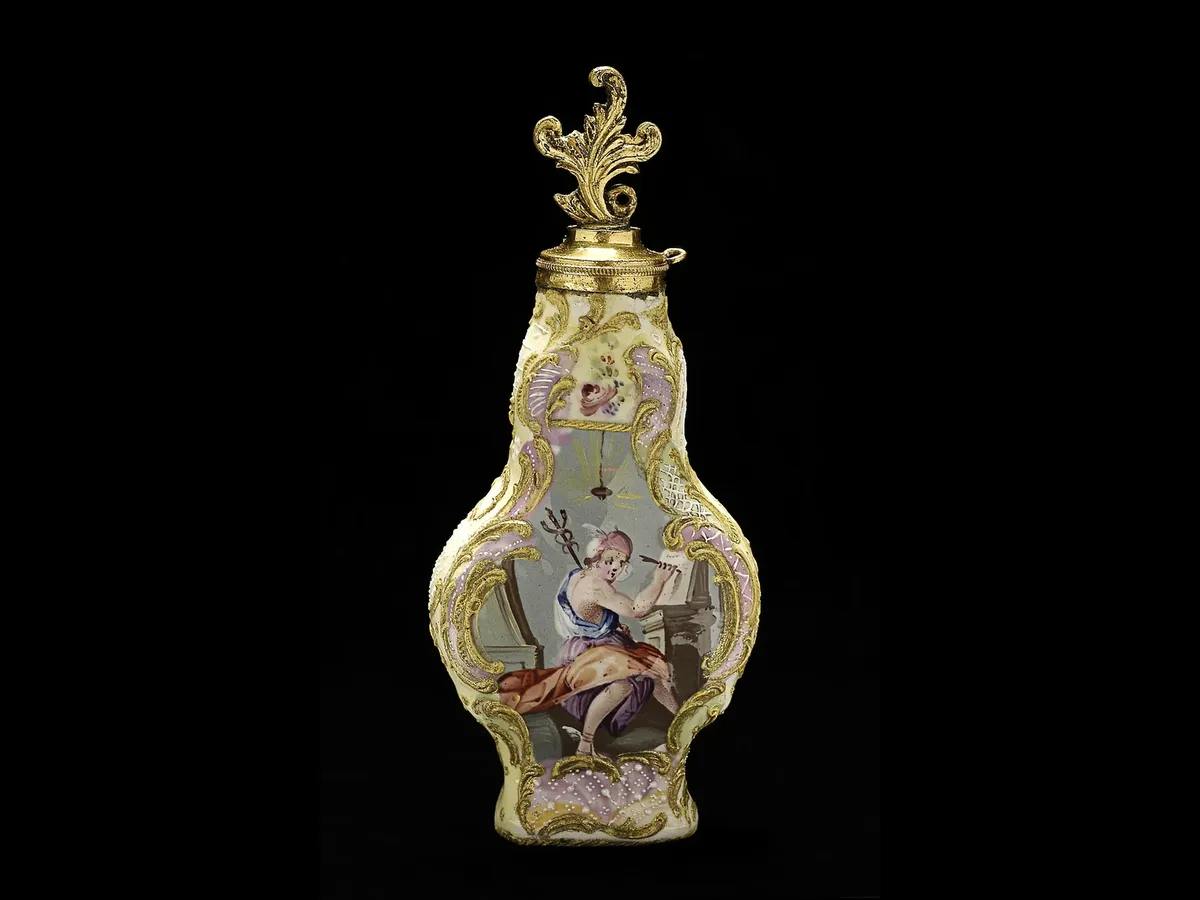
A clipping path is the outline an editor draws around a subject with the Pen Tool in Photoshop. Everything inside the path stays, everything outside can be removed, recoloured or replaced. It sounds simple, and for a mug or a shoebox it mostly is. The difference between an average path and a good one shows up at the edges: a path that drifts a pixel or two inside the product chops off detail, and one that drifts outside leaves a grey halo that looks cheap on a white page.
We draw every path by hand. No magic wand, no one-click AI cut-out passed off as manual work. Our editors place anchor points only where the shape actually changes direction, keep curves smooth, and sit the path just inside the true edge so the result looks crisp at 100% zoom and on a retina screen.
Clipping paths suit products with hard, defined edges: electronics, furniture, packaging, cosmetics bottles, tools, footwear and most homeware. If your subject has hair, fur or transparent material, have a look at our Image Masking service instead, or ask us and we will tell you honestly which approach fits.
What our clipping path service includes
- Manual Pen Tool path drawn at 300% zoom or more
- Simple, medium, complex and multi-path options
- Inner paths for gaps (handles, straps, cut-outs)
- Path saved inside the PSD so you can reuse it
- Background removed or replaced with white or any colour
- Optional crop, alignment and consistent margins
- Optional natural or drop shadow
- Free re-edits if something is not right
Before and after
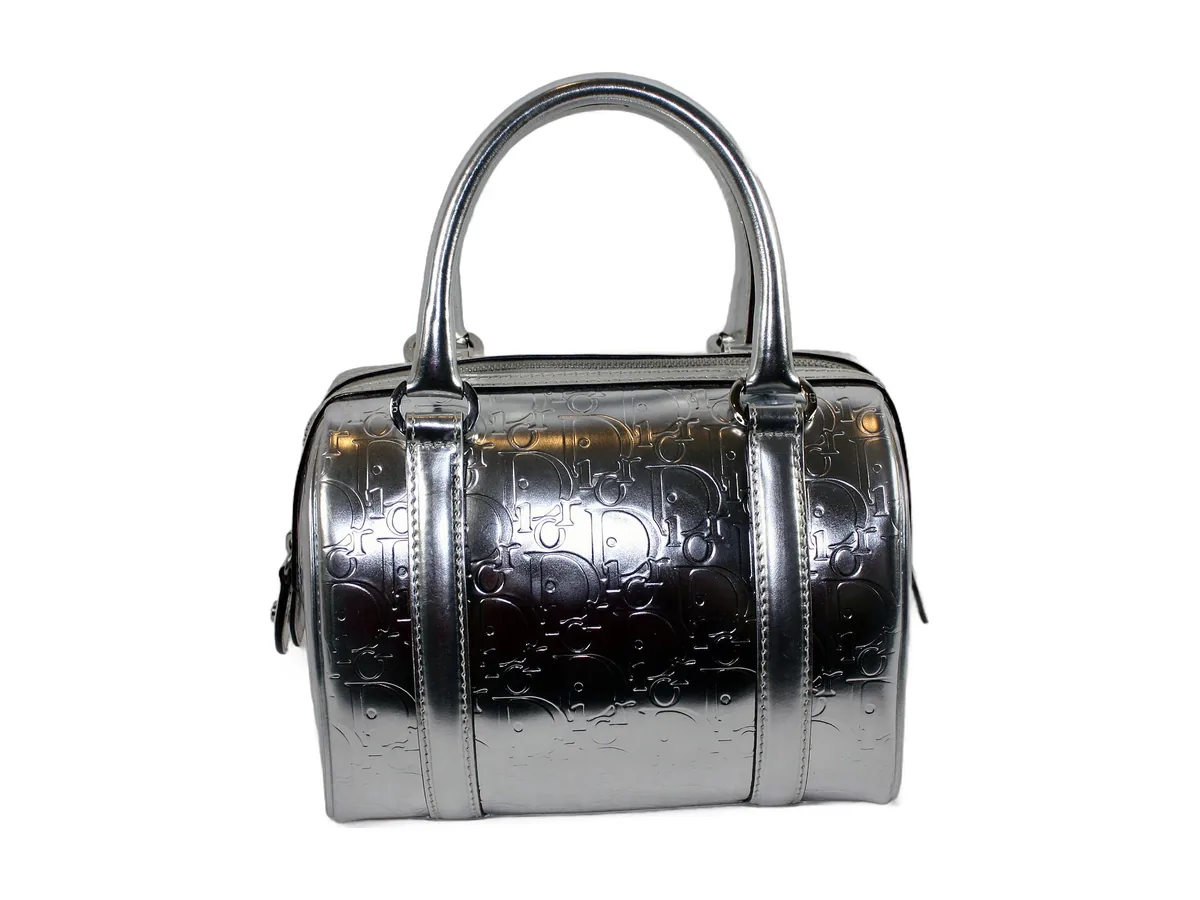
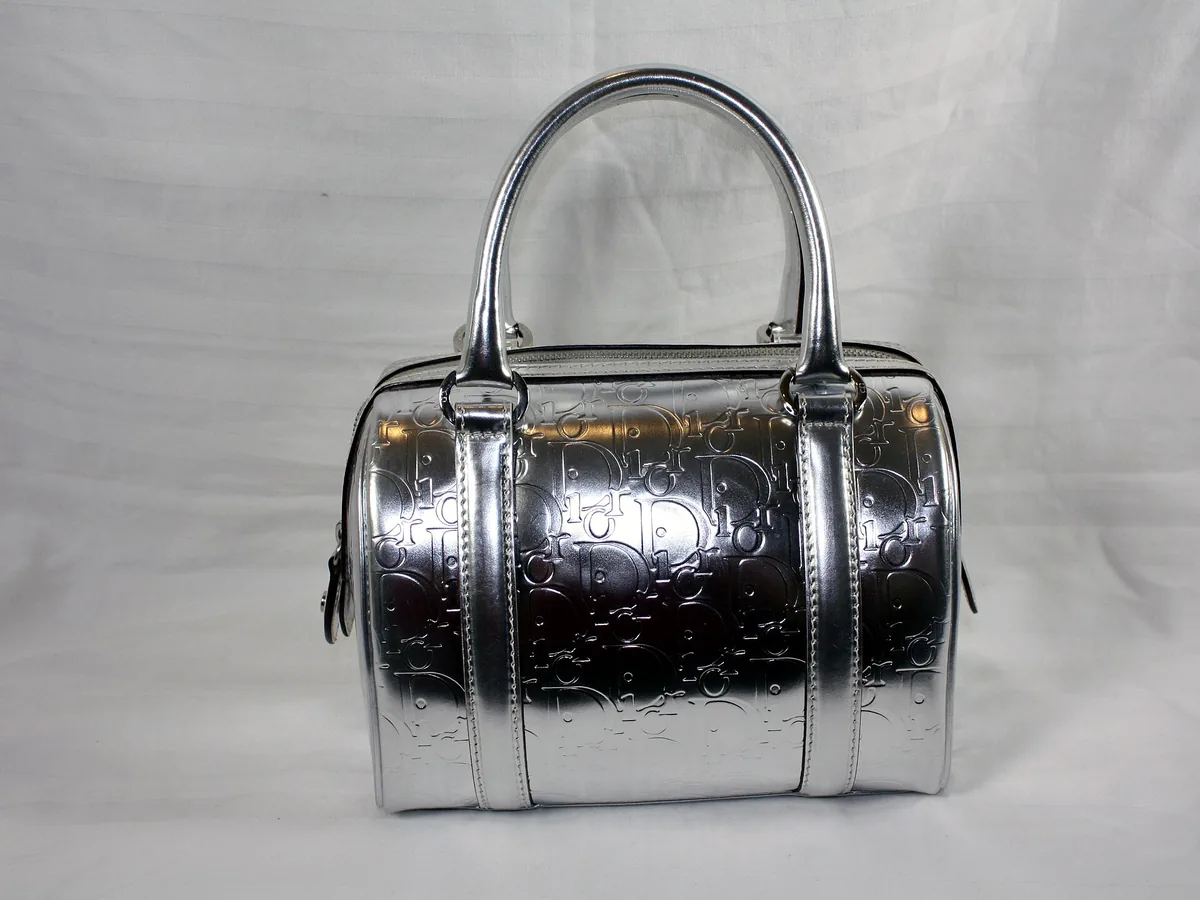
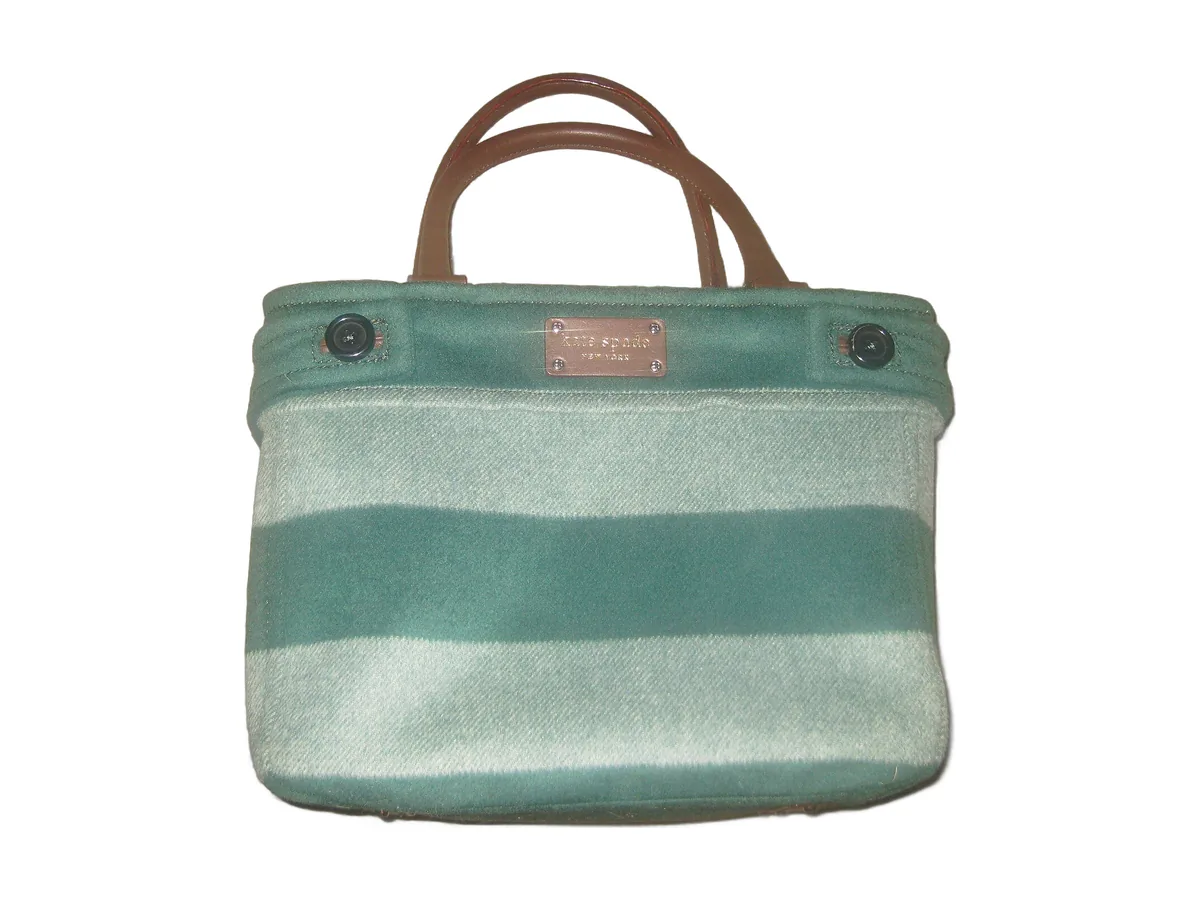
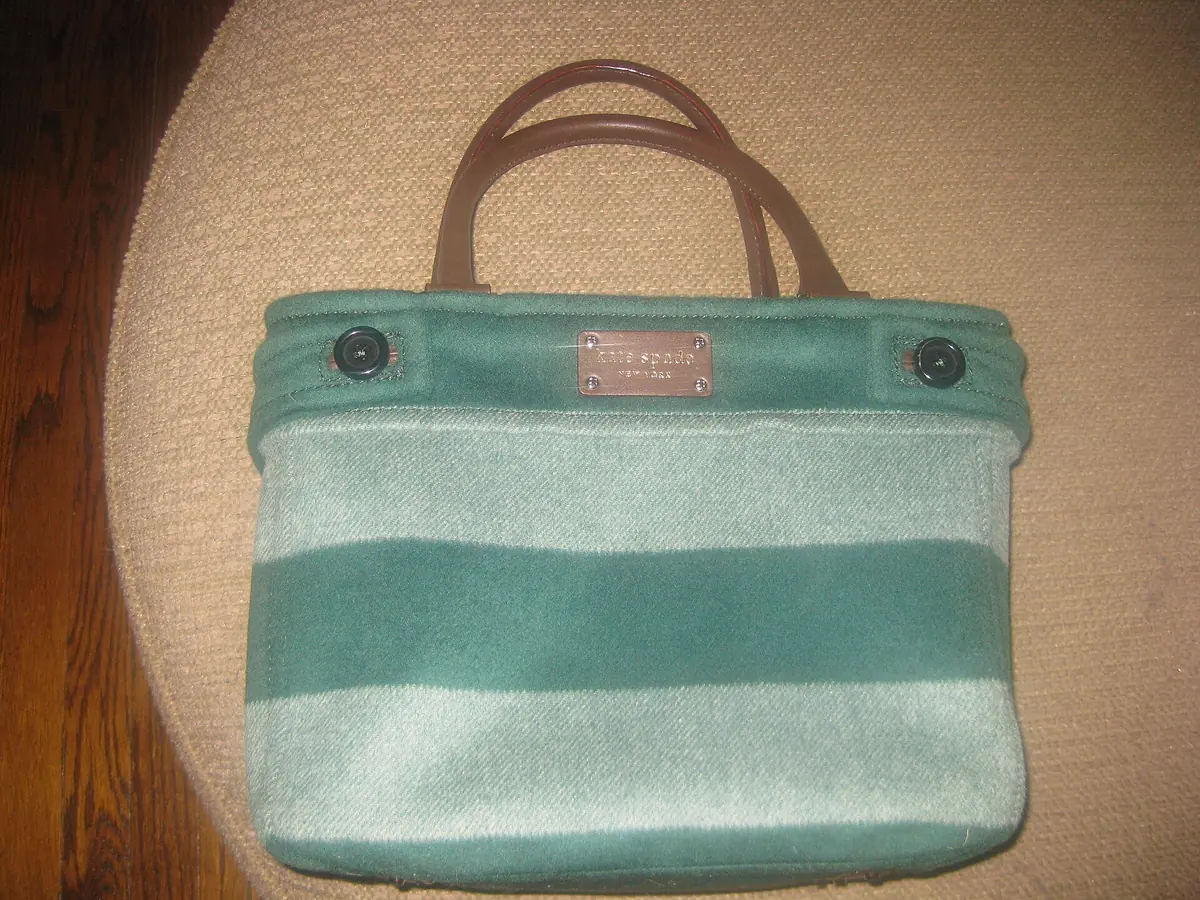
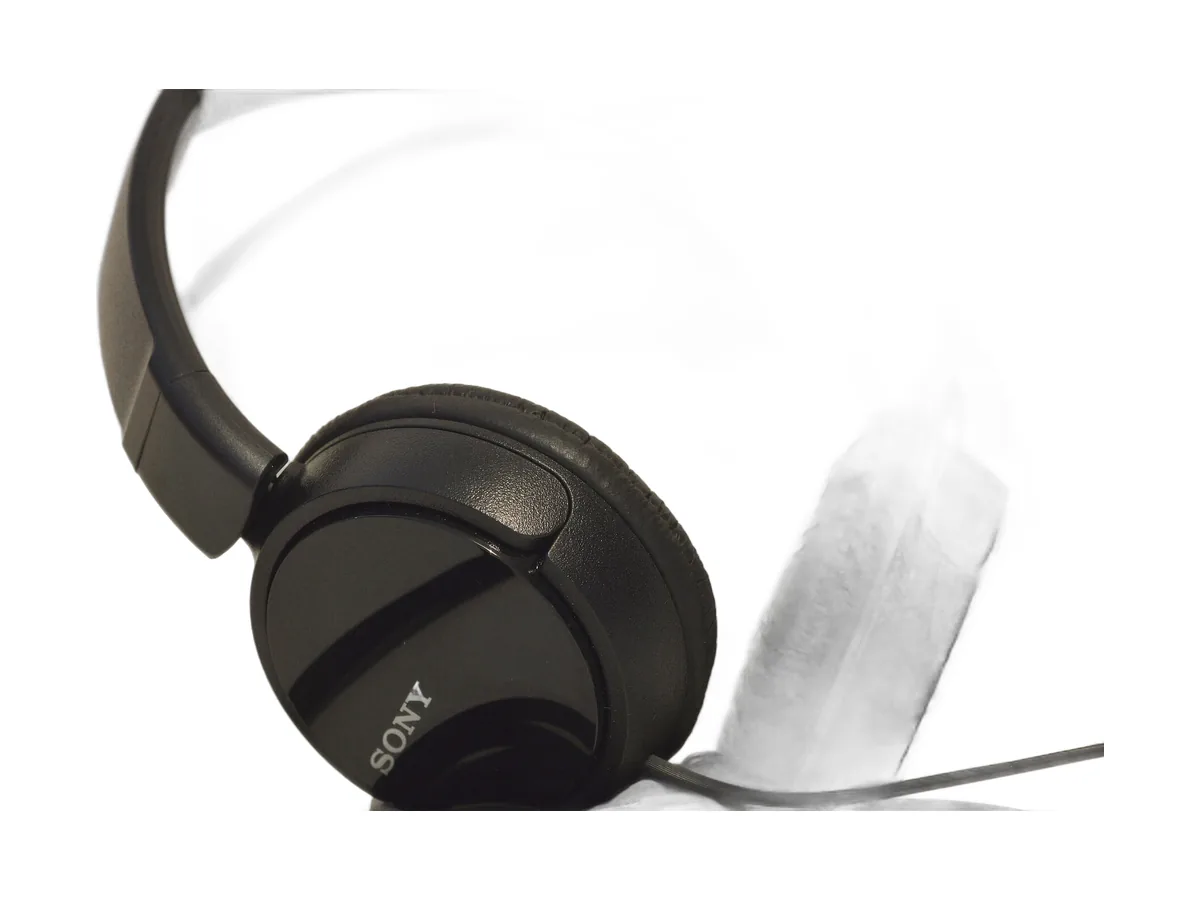
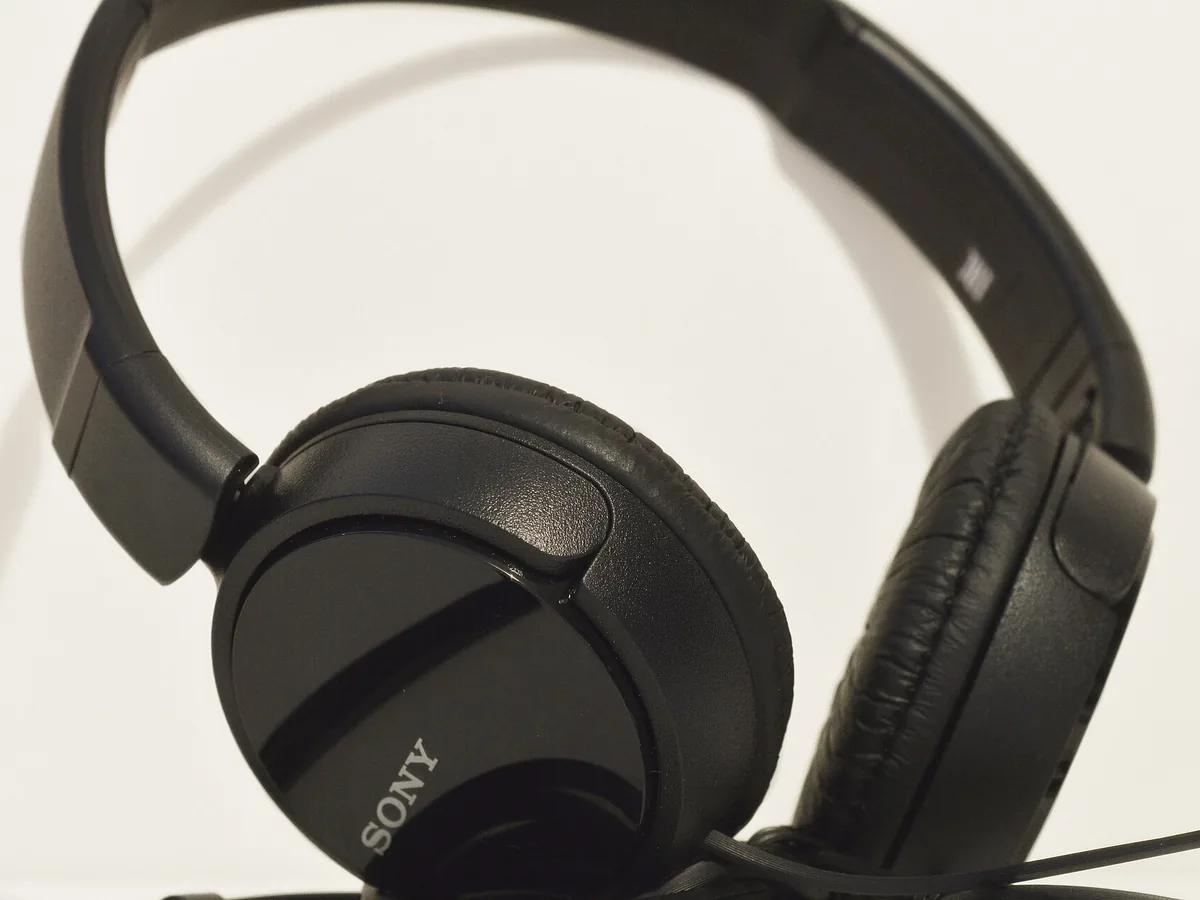
Drag the slider to compare an unedited photo with the finished result. These are real photos edited by hand, not mock-ups.
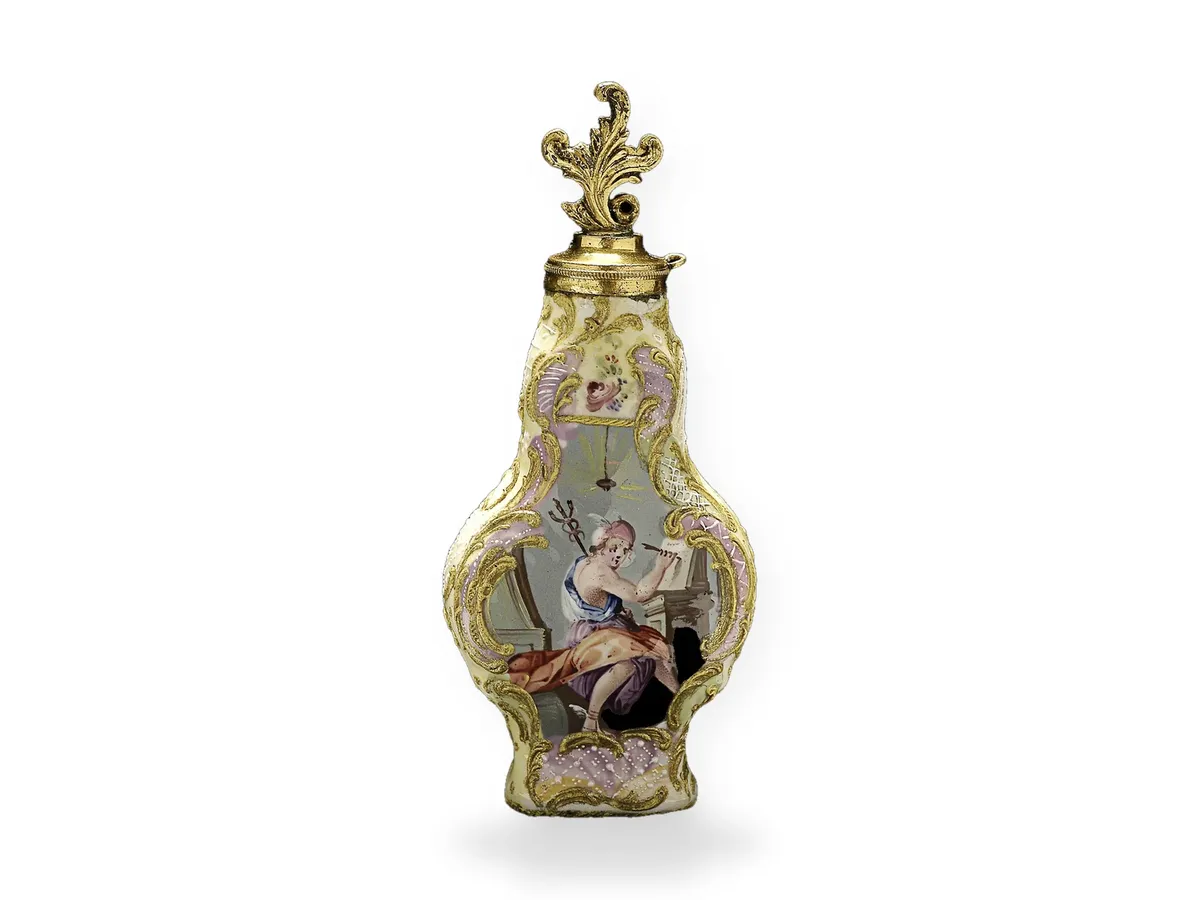 Before After
 Who it is for
Ecommerce product listings
Amazon, eBay, Etsy and Shopify all reward clean, consistent product shots. A precise path is the foundation for a pure white background that passes marketplace checks.
Catalogues and print
Printers love a saved path. Your designer can drop the product onto any layout without re-cutting it, and the path scales cleanly for print.
Colour variants
With multi-path clipping each part of a product (strap, buckle, body) gets its own path, so you can recolour one part without touching the rest.
Composites and ads
Cut-outs let your design team place products into lifestyle scenes, banners and social posts.
Brand consistency
When every image is cut the same way, your category pages look tidy and trustworthy.
How we make sure it looks right
Good path work is about restraint. We do not overload a curve with points, because extra points create bumps you can see when the image is enlarged. We follow the real edge of the product, not the shadow it casts, and we treat rounded corners as curves rather than a chain of straight lines.
Before delivery a second person checks each image against a contrasting background. That is where stray pixels, missed gaps and soft edges show up. If anything slips through, tell us and we will fix it at no cost.
How it works
- Send your images. Upload a few files or share a folder link, and tell us the background, size and format you need.
- We check and quote. We look at the complexity and confirm a price and delivery time before any paid work starts.
- Hand-drawn paths. An editor draws the paths at high zoom and applies the background you asked for.
- Quality check. A second editor reviews every file on contrasting backgrounds.
- Delivery and revisions. You get the files by link. Ask for changes and we redo them free.
Turnaround and file formats
Delivery time depends on the number of images and how complex they are, so we confirm a firm deadline with every quote rather than promising a one-size-fits-all number. Rush delivery is available for many jobs; just ask when you send your files.
We accept JPG, PNG, TIFF, PSD, HEIC, WebP and most camera RAW formats (CR2, CR3, NEF, ARW, RAF, DNG). You choose the output: high-quality JPG, transparent PNG, layered PSD, TIFF or WebP, in sRGB for web or another colour profile for print. We keep your file names and folder structure so the edited files drop straight back into your workflow.
Preparing your files
- Send the largest, sharpest version you have. We can always size down, but we cannot add detail that is not there.
- Tell us where the images will be used (Amazon, your own store, print, social) so we export the right size.
- Include one finished example or a reference image if you have a particular style in mind.
- Share large batches by Google Drive, Dropbox, WeTransfer or a similar link.
Why hand editing still matters
Automatic tools are fast, and for some jobs they are good enough. The trouble is that they make the same small mistakes again and again: soft edges where there should be crisp ones, missing gaps, colour fringes, and details that quietly disappear. On a thumbnail you might not notice. On a zoomed product page, a printed catalogue or a large banner, customers do. Our clipping path work is done by trained editors who look at every edge and every surface, and who can make judgement calls a tool cannot, such as what belongs to the product and what is just a reflection or a speck of dust.
Our quality checklist
- Every image is checked at 100% zoom, not just as a thumbnail.
- Edges are reviewed on contrasting backgrounds to catch halos and stray pixels.
- Colour is compared with the original so the product stays true to life.
- Sizing, margins and naming follow the brief for the whole batch.
- A second editor signs off each file before delivery.
Large and recurring orders
If you have a big catalogue or a regular flow of new products, we set up a short style guide with you on the first order covering background, margins, shadows, file size and naming. Every later batch follows it, whichever editor works on it, so your images stay consistent month after month. Regular clients also get volume pricing and a predictable delivery schedule agreed in advance, which makes it easier to plan product launches and seasonal drops.
Pricing
Every image is different, so we price clipping path by complexity and volume. Send a few samples and we will reply with a clear per-image quote before you commit to anything. See our pricing page for how quotes work.
Frequently asked questions
What is the difference between a clipping path and background removal?
A clipping path is the technique; background removal is often the result. We use clipping paths for hard-edged products and masking for hair, fur and soft edges.
Do you use AI or automatic tools?
Paths are drawn by hand with the Pen Tool. We may use software to speed up admin work, but the cut itself is manual.
Will I get the path inside the file?
Yes. Ask for PSD or TIFF and the path is saved and named so you can reuse it.
How do you price complex products?
Price depends on how many anchor points and inner paths an image needs. Send a sample and we will quote before you commit.
Can you keep the original shadow?
Yes, we can keep the existing shadow, rebuild a natural one or add a new drop shadow.
What if I am not happy with an edge?
Point it out and we will redraw it. Revisions are free.
Can I try the service before paying?
Yes. Send a few images through our free trial and judge the quality yourself, with no card needed.
Are my images kept private?
Yes. Your files are used only to complete your order and are not shared or used in our portfolio without your written permission.
Try our clipping path service free
Send us a few images and we will edit them at no cost, so you can see the quality before placing an order.
Related services: Background Removal Service, Image Masking Service, Shadow Creation Service.